
How to change the billing information?
To change the billing information added to your Toggl Track invoices:
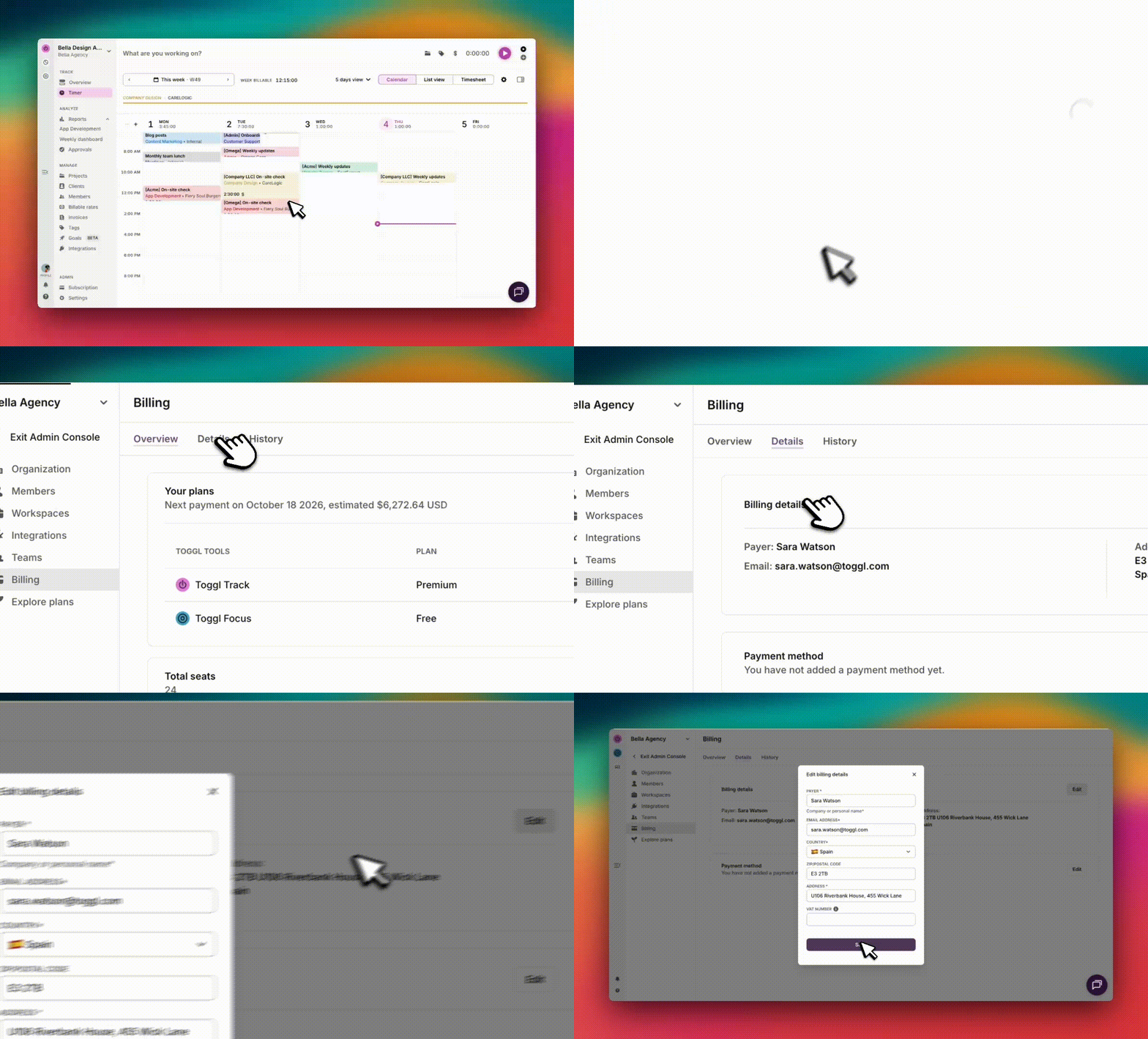
- Open the Subscription page in the Toggl Track web app.
- Click on the "Details" tab at the top.
- Edit the necessary details and click ‘Save’.
EU and GB customers - please make sure to enter a VAT number if you do not wish to be billed VAT. More information here.
Updated on: 06/16/2026
Thank you!