
How do I log into Track with SSO?
Admins of organizations on Premium & Enterprise plans can set up single sign-on for their teams.
Once an SSO profile has been approved and enabled, this is how you can log in:
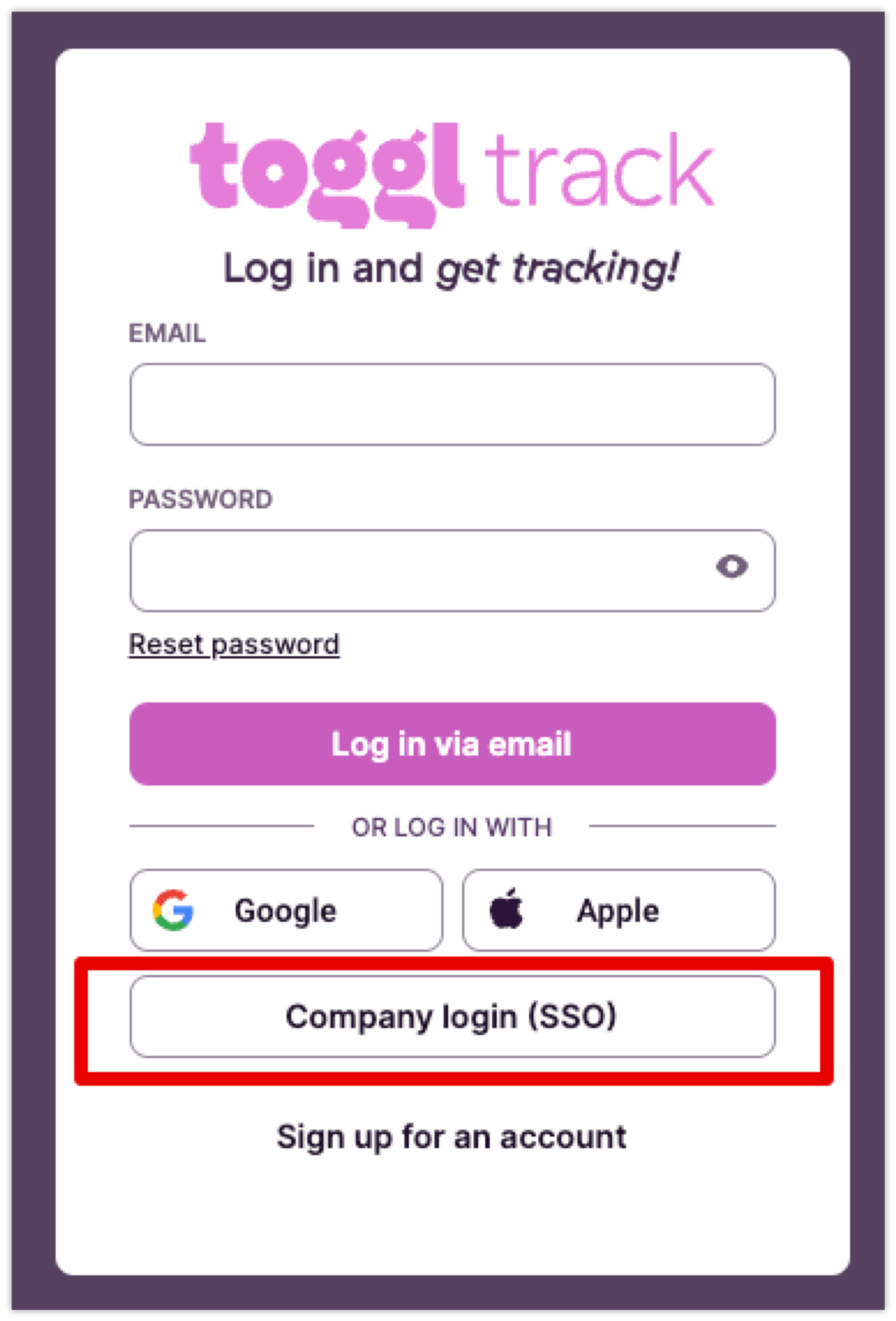
- Go to Toggl Track login page
- Click ‘Company login (SSO)’
- Enter your (company) email address and click ‘Continue’
- You will be directed to your identity provider. Go through the required authentication flow. Once you’ve completed that, you will be directed back to Toggl Track, logged in.
Updated on: 06/16/2026
Thank you!