
How to edit a client in a workspace?
Although you can create clients while editing a project, the easiest way to manage them is by clicking on the tab Clients on the left side menu bar.
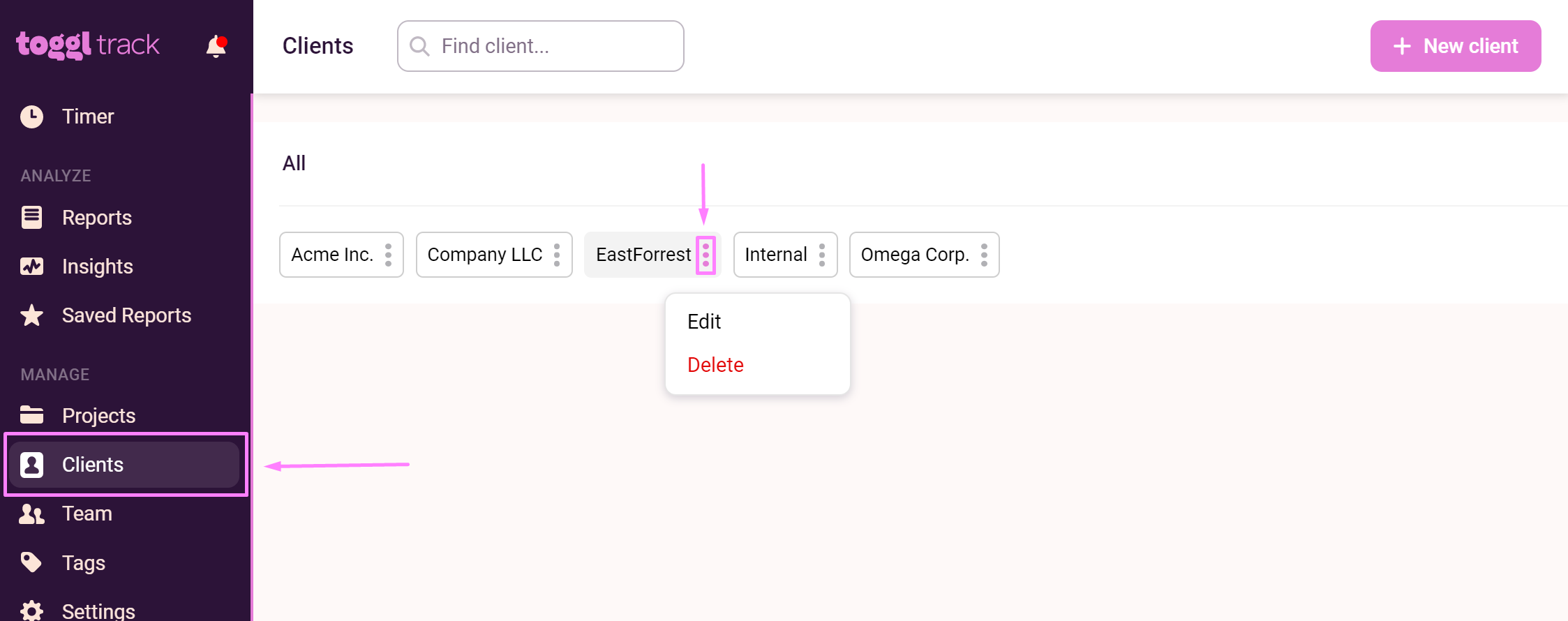
On this page, you can:
- View all clients in your workspace,
- Search through clients,
- Add Clients,
- Click on the 3-dot control next to a client name to Edit or Delete them.
For more information on managing clients, read this guide. If you still have questions about managing clients, please contact our Support team!
Updated on: 06/16/2026
Thank you!