
Where did the Team Activity page go?
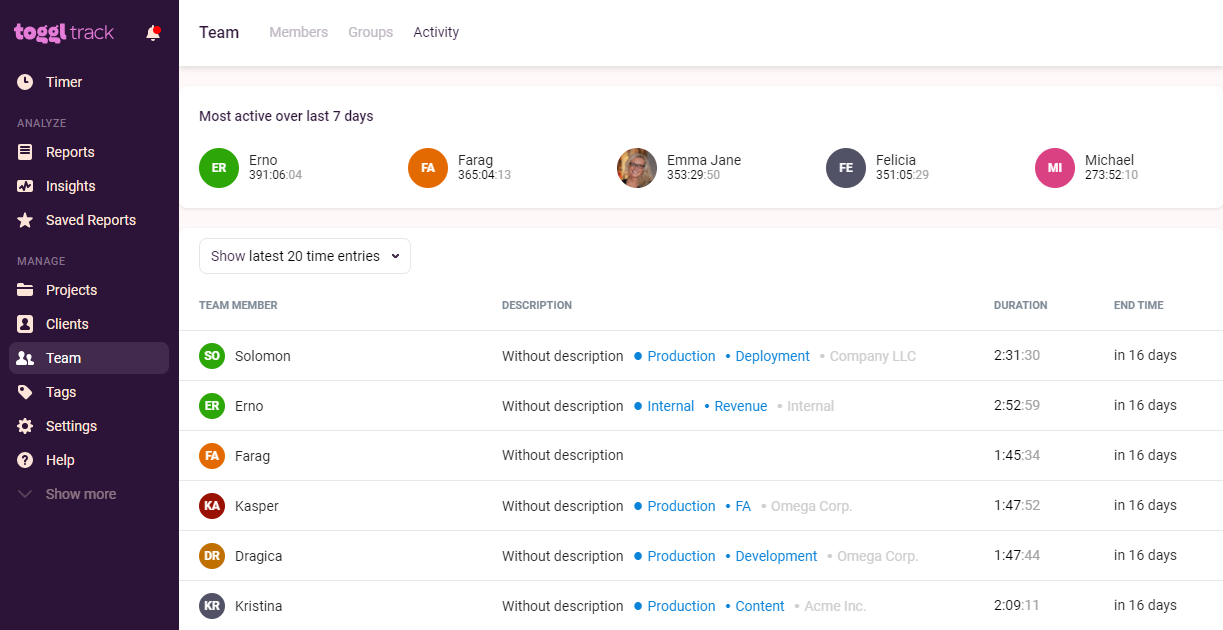
Admins can review the Most Active users and Team Activity by User on the Team Activity screen. Non-admins can only see this page if its visibility setting on the Workspace Settings page is set to everyone.
To get to the Activity panel:
- Click on "Members" in the sidebar of the Toggl webapp.
- Then, click on "Workspaces" at the top of the screen and select the workspace you'd like to view activity for.
- Finally, click "Activity".
Updated on: 06/16/2026
Thank you!